
SaaS application demo
A first look at the application
This is a demo of a SaaS application. The screens below show what the product actually presents, without claims about features that are not yet confirmed.
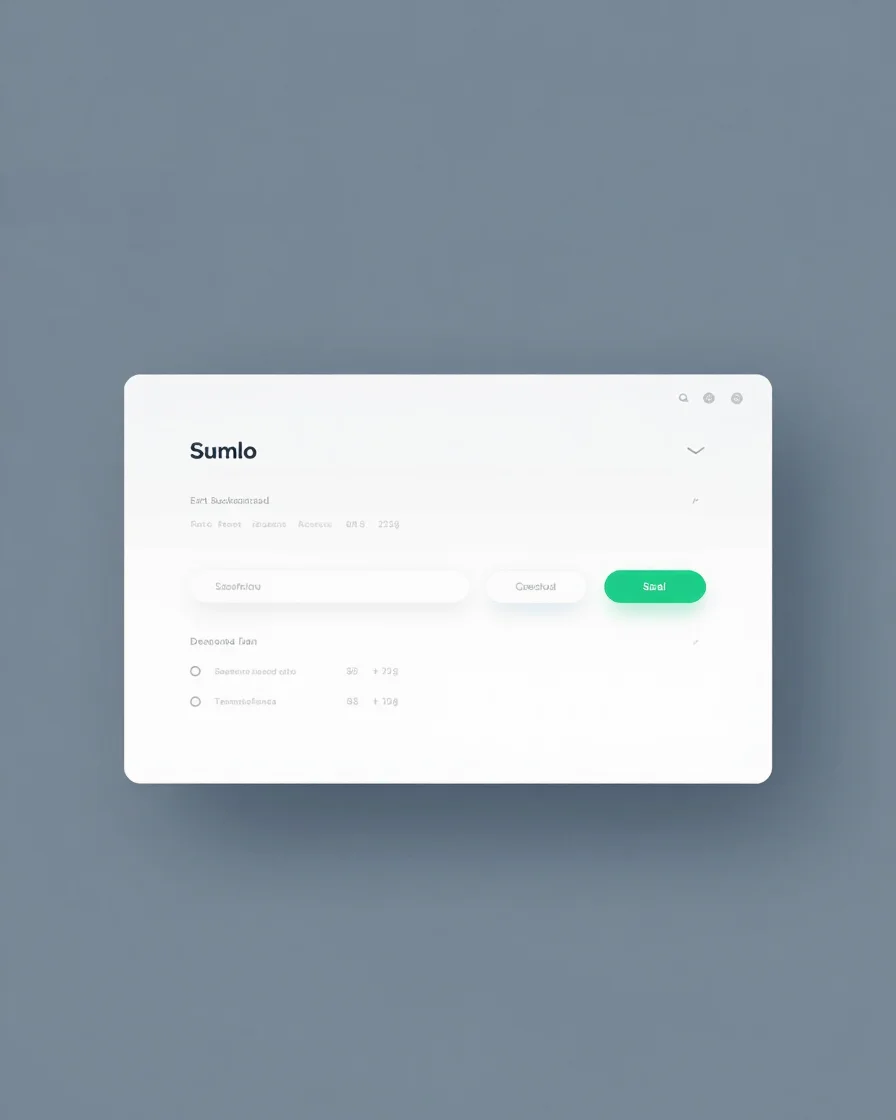
Product overview
What the demo shows
Layout
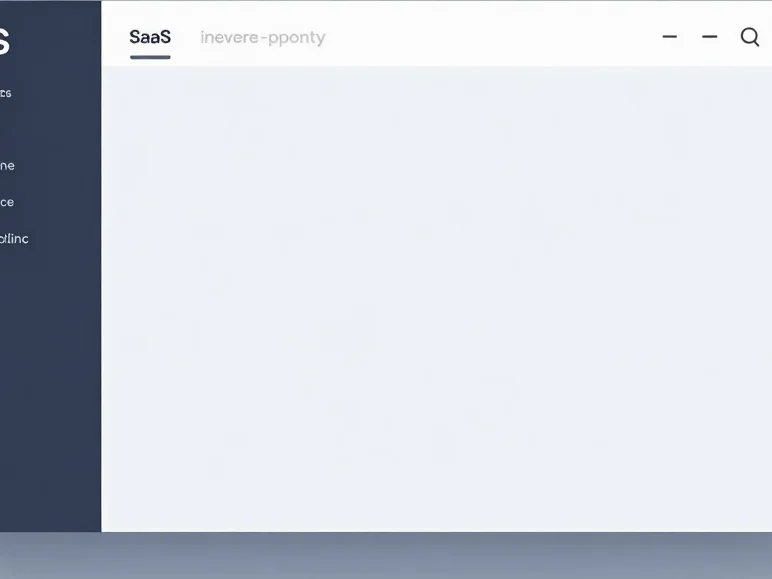
Core layout structure
The demo presents the main layout of the application so you can see how its screens are organized and how they connect.
Screen states
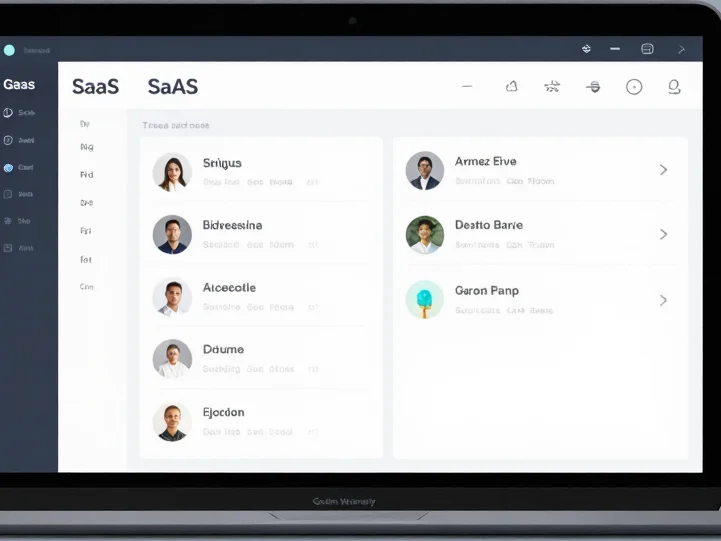
Functional screen states
Each screen state is shown as it appears in the product, so the views you see reflect what the application actually displays.
How the demo works
From first screen to inquiry
01
Walk through the screens
Start with the layout of the application and move through the views the demo provides.
02
Review the screen states
Look at the functional states shown in the demo to understand how the product presents its content.
03
Get in touch
If you have a specific question about the application, reach out directly through the contact form.
Inquiries
Questions about the application?
If you have a question about the application, you can get in touch and we will respond to your specific question.
Emailgozhaline@gmail.com